Most Shopify stores run email marketing and stop there. That’s fine right up until you notice how many of your customers don’t actually open email that often, or how long it takes an email to get seen once it lands. SMS closes that gap — not by replacing email, but by covering the moments where speed and visibility matter more than a nicely designed template.
Here’s how to add SMS to a Shopify store’s marketing without turning it into a spam channel, and where it actually moves revenue instead of just adding noise.
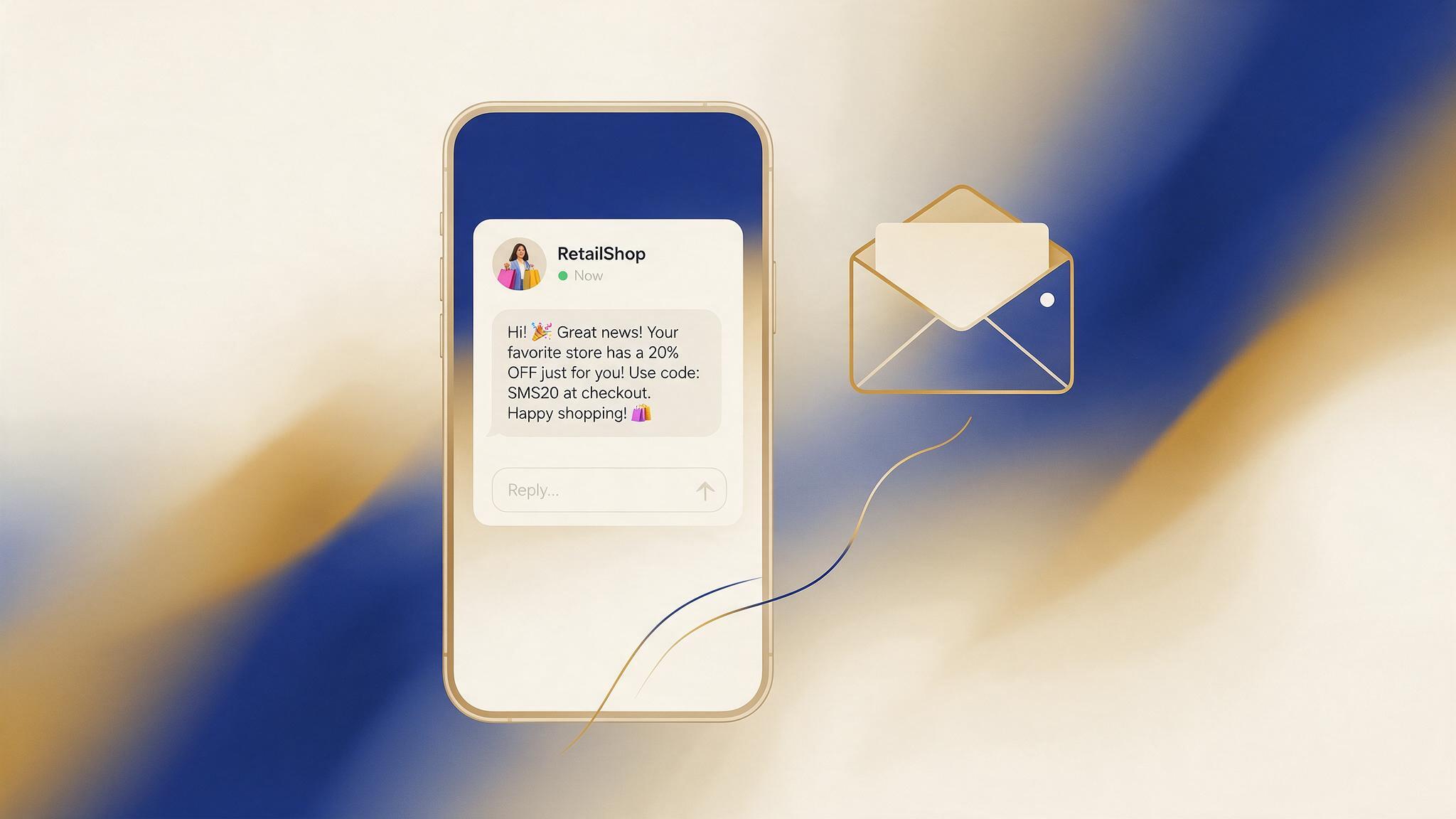
1. Why SMS converts differently than email
Email has to get past a subject line, a spam filter, and an inbox full of competitors before someone even sees it. A text message shows up on a lock screen. Open rates for SMS are typically far higher than email, and they happen within minutes, not hours — which is exactly why SMS earns its place in time-sensitive flows like abandoned cart recovery, where a lot of the buying intent disappears within the first hour.
That speed is also why SMS needs a lighter touch. Nobody minds an email sitting unread in their inbox for two days. A text message feels immediate and personal, so the frequency and tone matter more than they do on email.
2. The flows where SMS actually beats email
SMS doesn’t need to touch every part of your marketing to be worth setting up. It earns its keep in a handful of specific moments:
- Abandoned cart follow-up — a text sent an hour or two after someone leaves checkout, after an initial email hasn’t been opened
- Back-in-stock alerts — high urgency, high relevance, exactly the kind of message people want to see fast
- Shipping and delivery updates — not promotional, but it keeps your brand in front of the customer post-purchase
- Flash sales or limited-time offers — where a same-day open matters more than a polished layout
Combining SMS and email flows around the same trigger — someone abandons a cart, gets an email, then a follow-up text if the email goes unopened — tends to outperform running either channel alone, because you’re reaching people through whichever channel they’re actually paying attention to that day.
3. How to combine email and SMS without annoying customers
The failure mode with SMS almost always comes down to frequency, not the channel itself. A few rules keep it from feeling like spam:
- Use SMS as a follow-up to an unopened email, not a duplicate of every email you send
- Cap SMS sends per customer per week, separately from your email frequency cap
- Keep promotional SMS rare and make transactional SMS (shipping, delivery, back-in-stock) the bulk of the volume
- Let customers set channel preference where possible — some will always prefer one over the other
The goal isn’t to text everyone who’s ever bought from you. It’s to use SMS for the handful of moments where a fast, short message beats a long email — and let email carry everything else.
4. Consent and compliance basics
SMS marketing carries stricter consent requirements than email in most regions — a customer typically needs to explicitly opt in to text messages, separately from opting into email, and that consent needs to be logged. Rules vary by country and change over time, so this isn’t legal advice — check the current requirements that apply to where your customers are before you turn SMS on, and make sure whatever platform you use handles opt-in capture, quiet hours, and one-tap unsubscribe automatically rather than leaving it to you to manage by hand.
5. What this looks like on a real Shopify store
A simple, low-risk way to start: leave your existing abandoned cart email sequence in place, then add one SMS step a few hours in, sent only to customers who opted into texts and haven’t opened the first email yet. That’s a single automation, it doesn’t touch your existing email flow, and it gives you a clean before/after comparison on cart recovery rate before you build anything more elaborate.
From there, back-in-stock and shipping-update texts are usually the next additions, since both are transactional enough that customers expect them and rarely unsubscribe over them.
6. Getting started without running two disconnected tools
The practical obstacle for most Shopify stores isn’t the strategy, it’s that email and SMS usually live in two separate platforms with two separate customer lists, which makes the “email first, SMS follow-up” logic above hard to actually build. Platforms that run email and SMS from the same automation builder — Omnisend is one, and it connects directly to Shopify’s purchase and browsing data — remove that problem, since the same workflow can branch into a text message without exporting a segment into a different tool.
This post contains an affiliate link — if you sign up through it, we may earn a small commission at no extra cost to you.
You don’t need SMS running across your whole customer base to see whether it’s worth it. One well-timed text on your existing abandoned cart flow is enough to find out.